AI + InSAR
One sentence to a deformation time series
moraine ships with instructions for coding agents (AGENTS.md) and a command line whose help,
checks and JSON output are made for them. You describe the data and what you want; the agent runs the verified
pipelines, looks at the results and reports. This is the beginning of a real session, recorded on the Campi
Flegrei data set (Sentinel-1, 92 dates); the whole of it is on the Talk to an agent page.
Process the GAMMA data in data/CampiFlegrei/gamma (reference 20200707) up to phase unwrapping,
working directory manual_demo/campi. Tell me what you see.
I read AGENTS.md and the guide of the first workflow, then start with the load pipeline:
The stack is (981, 4160, 92) complex64; 40 % of the pixels are nan, which is the Gulf of Pozzuoli masked by the coregistration, as the data set description says. Next: PS candidates.
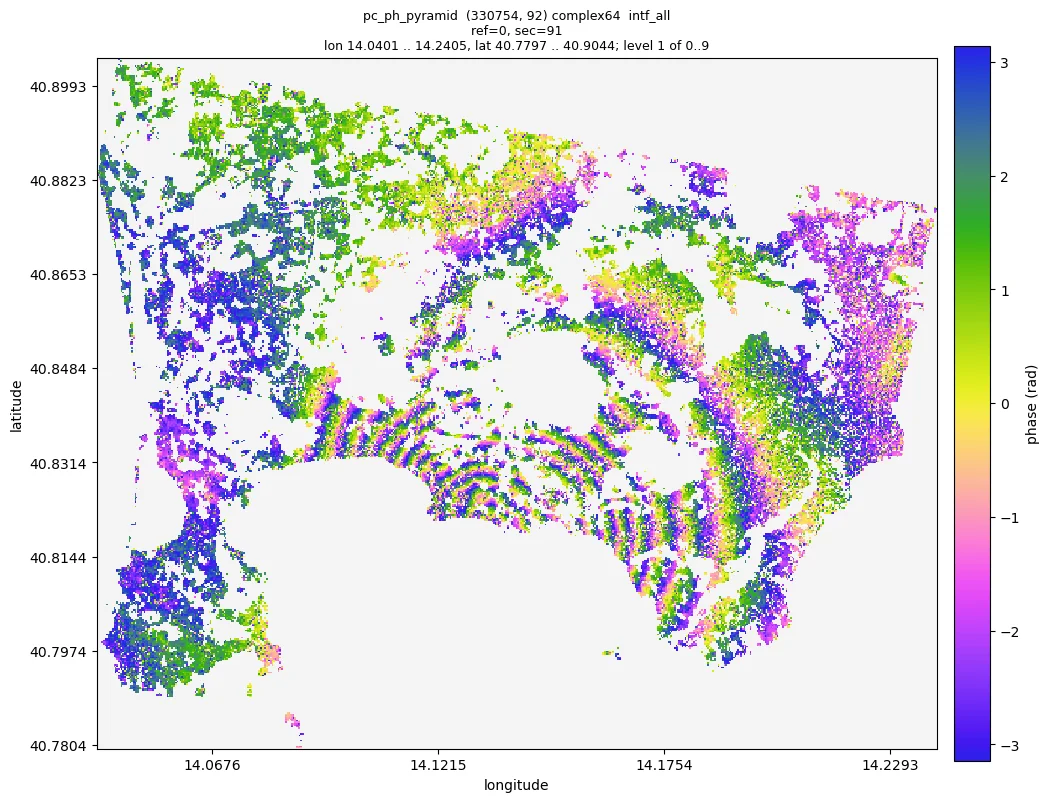
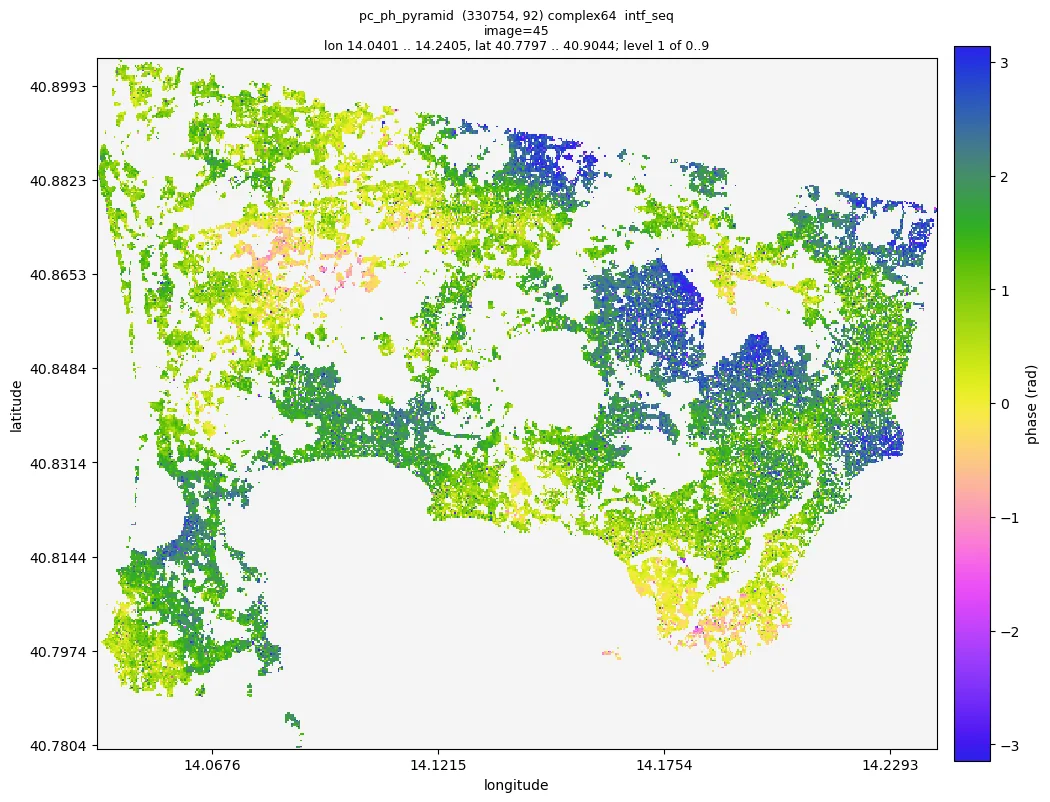
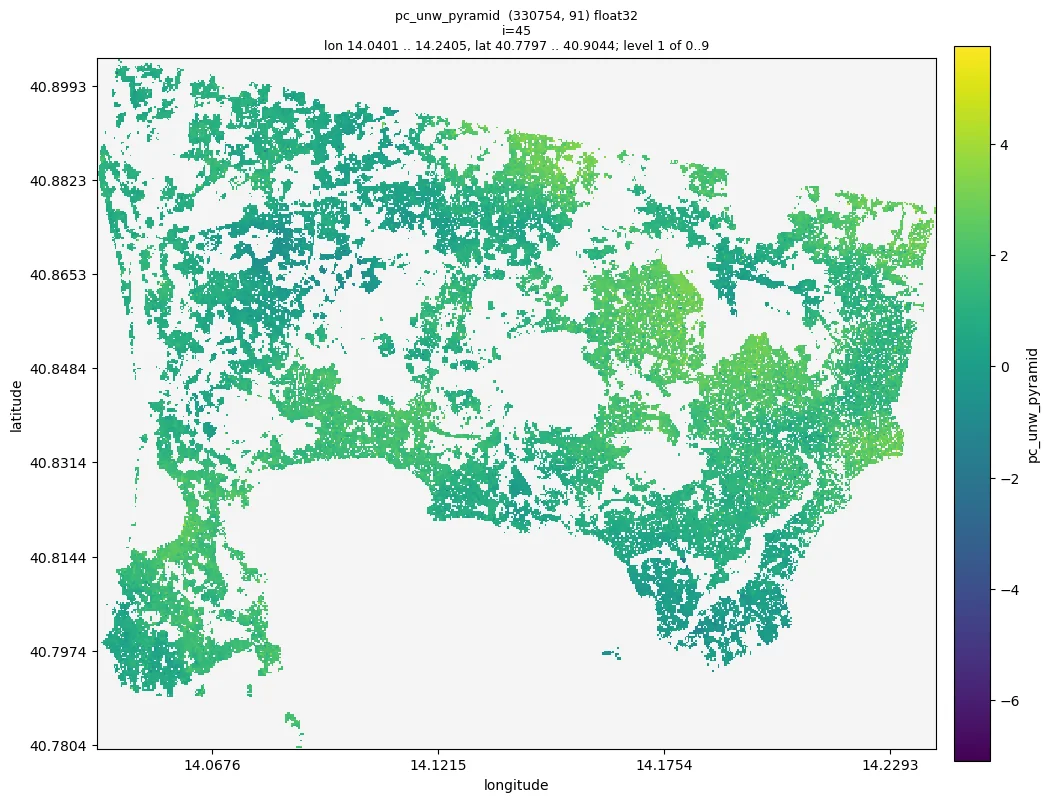
... four pipelines and 500 s of processing later: 223 875 refined points, unwrapped. The interferogram between the first and the last image shows the uplift of the caldera as about ten fringes centred on Pozzuoli.
Two things to decide: the DS threshold and the reference point
The chain
From GAMMA results to unwrapped phase in five pipelines
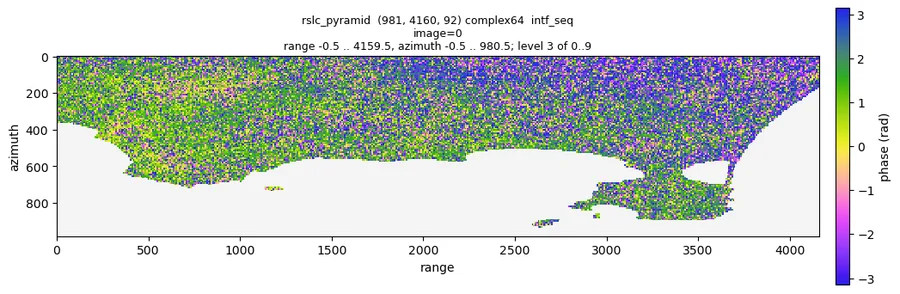
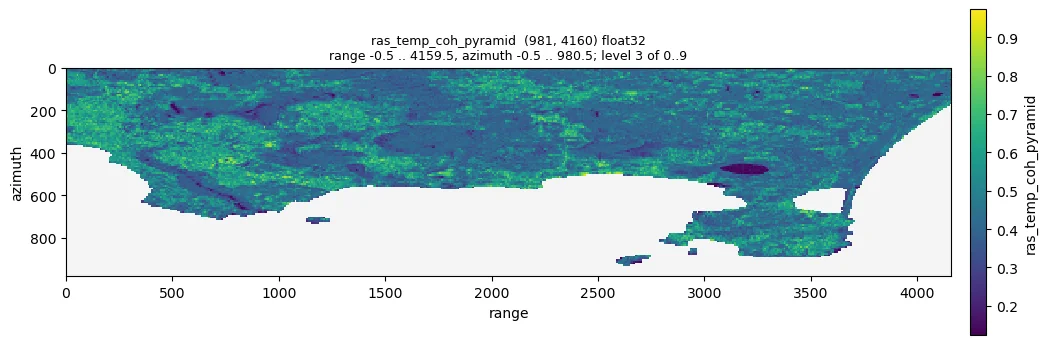
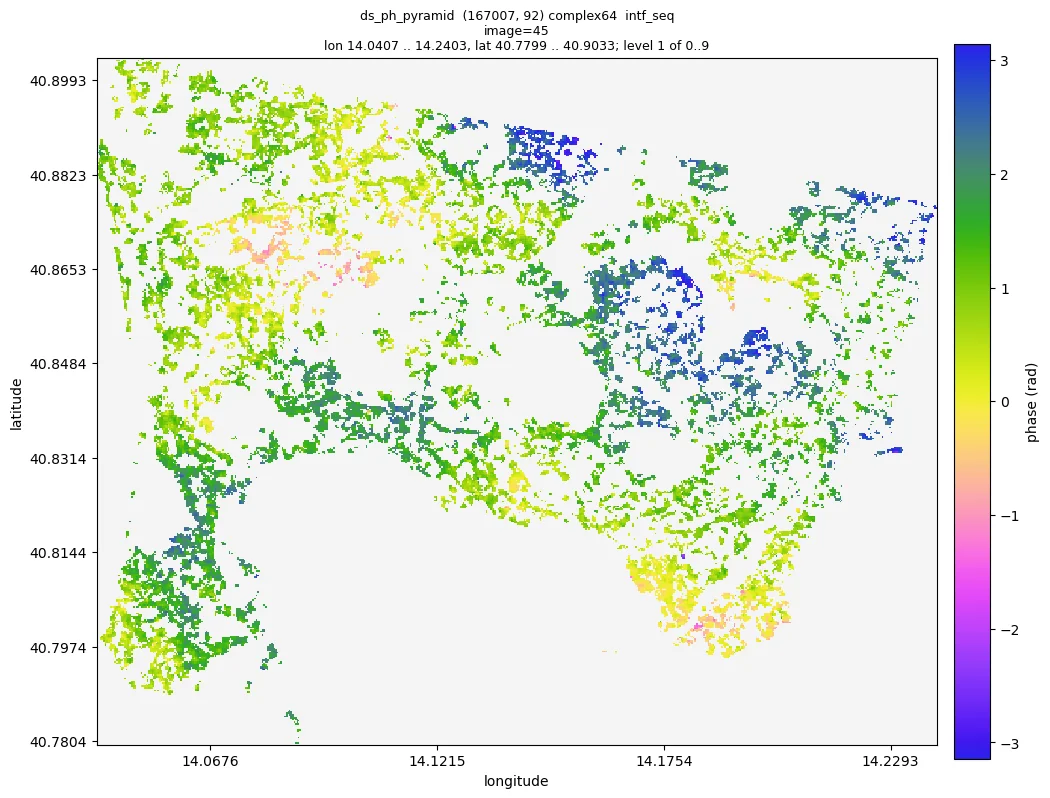
Verified on the Campi Flegrei data set (Sentinel-1, 92 dates, 981 x 4160 pixels) before every change; each one has a guide with the parameters, the expected ranges and the checks. The figures are from that run. Workflows
What is inside
A collection of functions, not a workflow
PS and DS selection
Amplitude dispersion, statistically homogeneous pixels by a Kolmogorov-Smirnov test, DS candidates and their coherence matrices. ps, shp, co
Phase linking
EMI with an adaptive regularization for coherence matrices that are not positive definite, the weighted temporal coherence and the connectivity of the coherent image pairs. pl
Deep learning filters
Noise2Fringe on rasters and the Noise2Fringe Transformer on point clouds: trained models, PyTorch, no clean data needed. dl
Phase unwrapping
Minimum cost flow on a Delaunay network of points, EMCF on any network of image pairs, correction of unwrapping errors by phase closure. unwrap
Big data
Arrays in memory are numpy or cupy, on disk zarr; the commands process chunks with their own workers on CPUs or several GPUs, larger than memory. Concepts
Agent ready
Every function is a command with complete help, --json output and pipelines that resume where they stopped.
Command line, Pipeline files
Three ways in
Python, command line or conversation
moraine list                                    # every processing command
moraine emi --help                              # arguments with shapes, dtypes and defaults
moraine run examples/02_ps.toml --workdir WORK  # a verified pipeline; rerun to resume
moraine info ps/ras_adi_pyramid                 # statistics of a result without loading it
moraine quicklook ps/ras_adi_pyramid -o adi.png # a picture of the whole scene
process the GAMMA data in
/data/site_a(reference 20220620) up to unwrapping in/work/site_a
Any coding agent that works in the repository (Claude Code, Codex, Cursor, ...) reads AGENTS.md and
does the rest. See Talk to an agent.
Install with pip install moraine (CPU) or add cupy and numba-cuda with conda for the GPU:
Install.